What this QuakeWorld player connects to
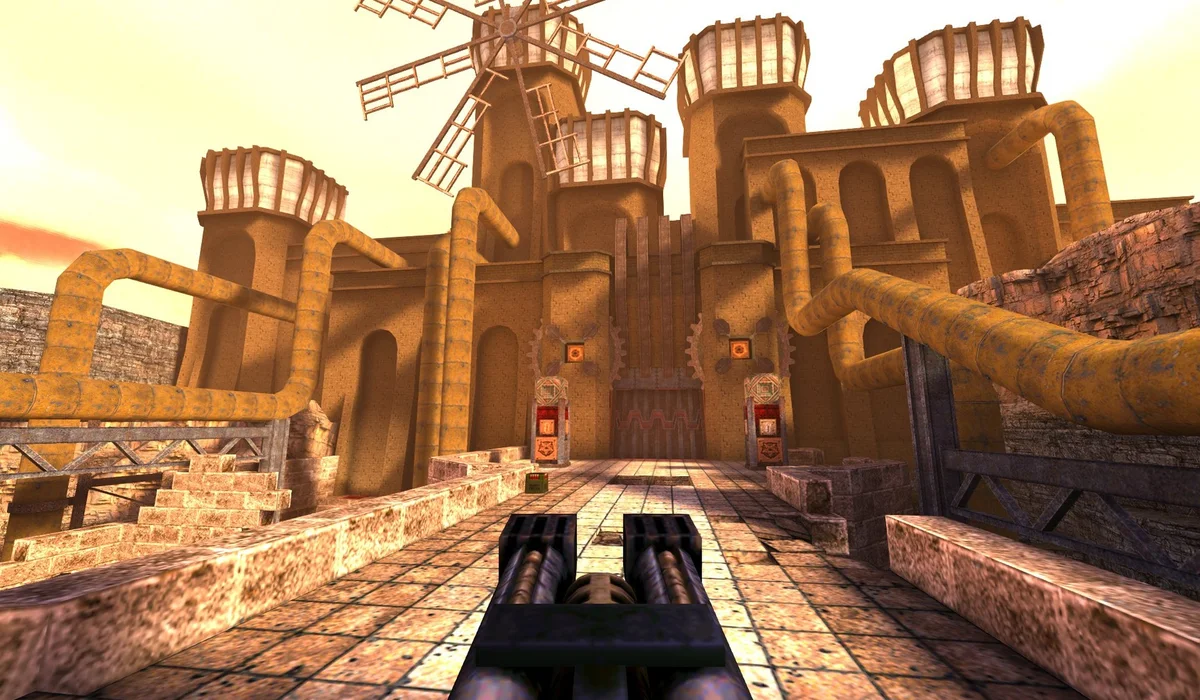
QuakeWorld was designed around network play. The browser project at q1.pieter.com brings its session launcher and arena client into a web page. Your first decision is a player name, followed by the project’s Play action; you are joining a running multiplayer environment, so the server matters as much as your local browser.
This is useful if the Radiant Optimizer games post made you want to jump into Quake with minimal setup. It does not establish that the original Quake story campaign is included. A successful arena connection and a full single-player installation are different experiences.
Read the connection before changing settings
Wait until the arena appears before diagnosing movement. A launcher that is still connecting has not yet given the game control of your keyboard. If the window remains at a connection message, open the original q1 project in a separate tab and compare the result. The same failure there points to the project or session rather than the surrounding RadiantGames page.
Keep only one live arena window open while testing. Repeatedly starting new connections makes it harder to tell which tab has focus and which session you are watching. Reloading the player starts its connection flow again and can interrupt an active match.
Find a comfortable way to aim
The reviewed project exposes keyboard movement and alternative looking and shooting inputs. The shortcuts beside this player describe those observed options; the current game prompts remain the reference if the project changes its mapping. Start with a keyboard and mouse on a desktop or laptop.
If a cursor remains outside the arena, click the game area before trying to look around. Browser fullscreen only enlarges the window. It does not prove that mouse capture is active. Escape can release a captured pointer, after which you may need to click the arena again.
A sensible first arena session
Spend your first moments learning the current map and how movement feels. In a live session, pauses, opponents and server conditions can change the experience. A short connection test is enough to check whether the launcher works; it is not evidence that every server, map or network path will behave the same way.
You can save this launcher to your RadiantGames shelf without creating an account. The bookmark stores a page reference on this device, not a character, score or QuakeWorld save. Use the session’s own controls for any game-specific settings.
Project reference: q1.pieter.com . Related source: Radiant Optimizer’s original X post. This launcher uses the project identified above; it does not silently replace every similarly named link in the thread.