



Full-game data and Uplink are different
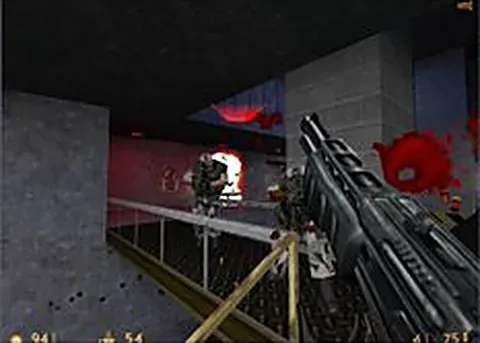
Pixelsuft’s page identifies itself as an Xash3D FWGS Emscripten port. This route is for players preparing compatible data from their own Half-Life copy. If you wanted a small demo without that preparation, choose the separate Half-Life: Uplink player in the recommendations.
Read the file and memory settings
The launcher exposes a memory-size setting. Follow its current documentation for the required files and layout rather than importing an arbitrary archive from another engine. A larger memory choice is not automatically better on a device with limited available RAM.
Keep input and saves with the project
Once the game has loaded, focus its scene before using mouse look or keyboard movement. Back up important saves using the selected project’s tools before clearing browser data. The RadiantGames heart keeps the launcher link and does not copy a Half-Life installation or save file.