


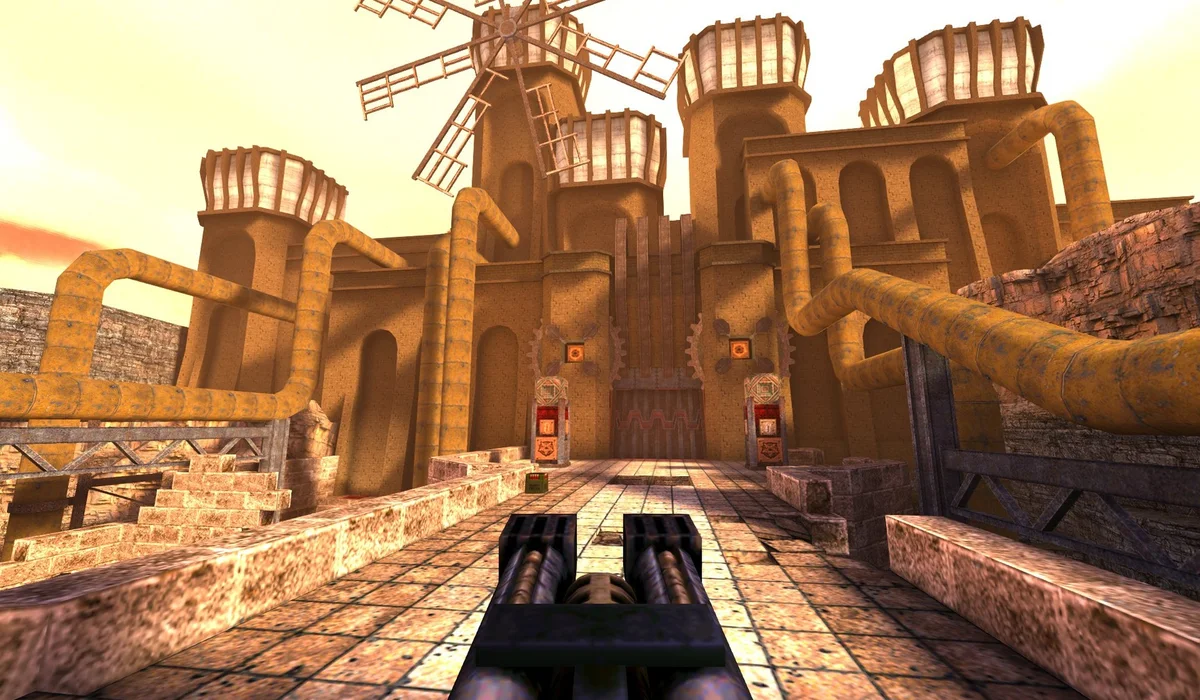
Radiant Optimizer Games
Find Radiant Optimizer Games: BO1 Zombies, Skate 3, Halo, Quake, Half-Life, DOOM and GTA browser projects. Browse 42 games, versions and play guides.
Play Skate, Quake, Half-Life, DOOM and more here. Other projects open in a new tab, keeping your next game close.
Recently opened
New games
Browse all →All games
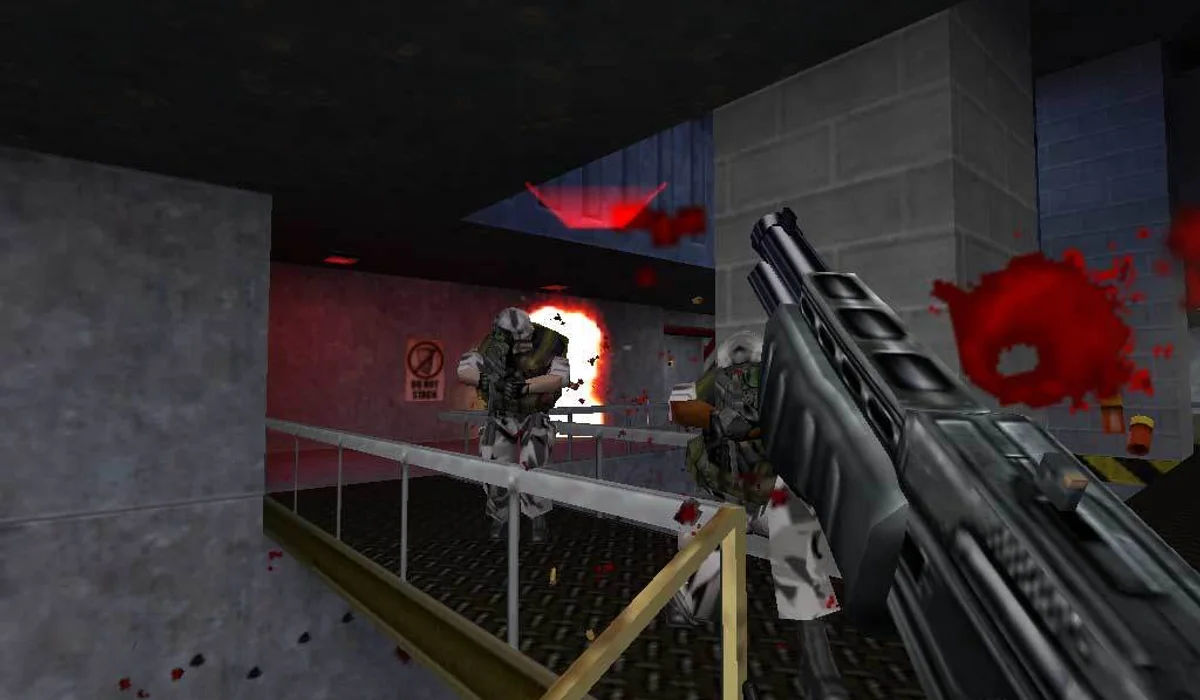
Half-Life: Uplink
Shooters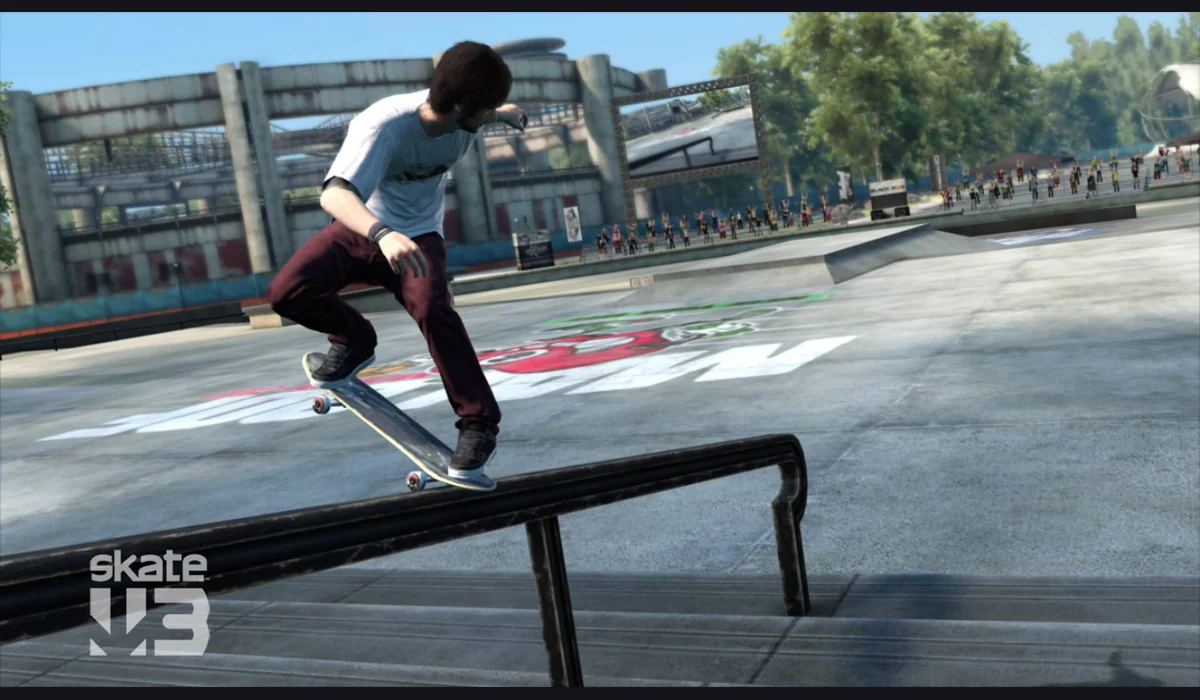
Skate 3 clean-room
Sports
Diablo Shareware
RPG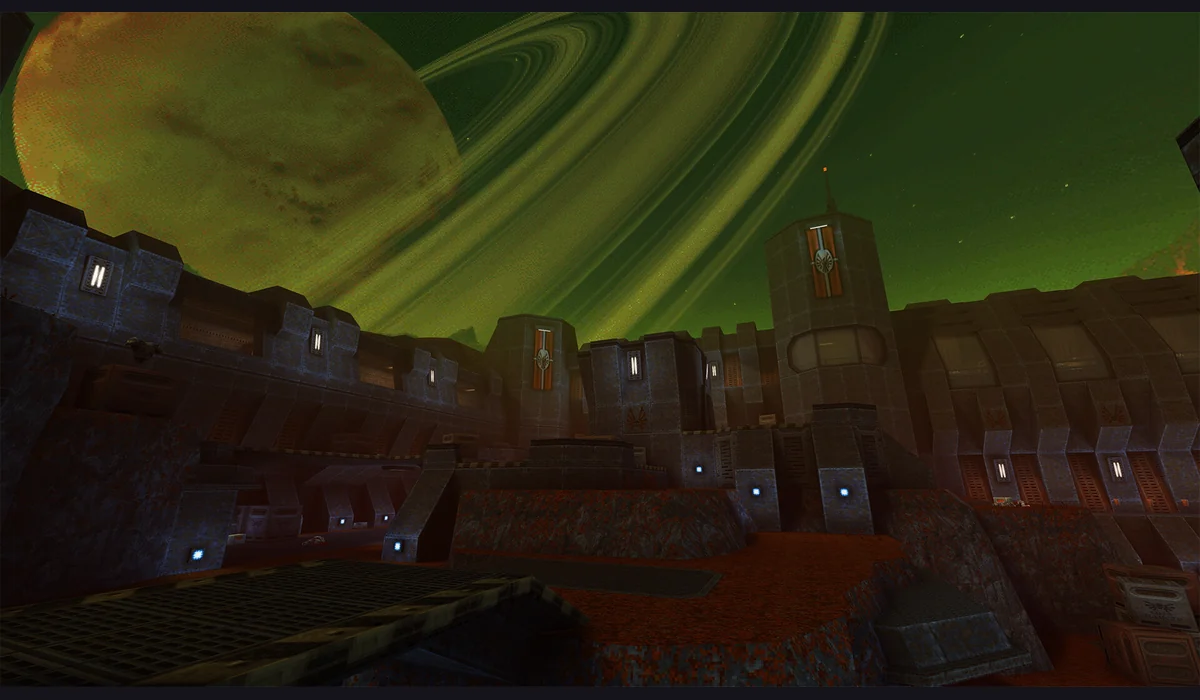
Quake II
Shooters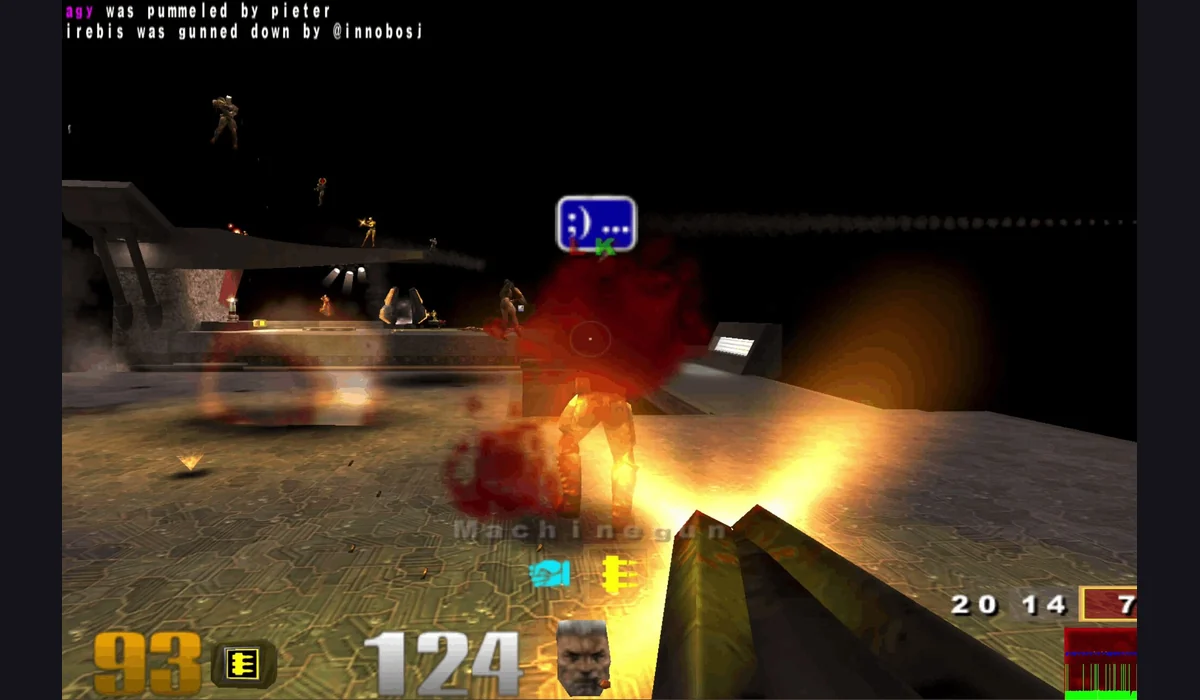
Quake III Arena
Shooters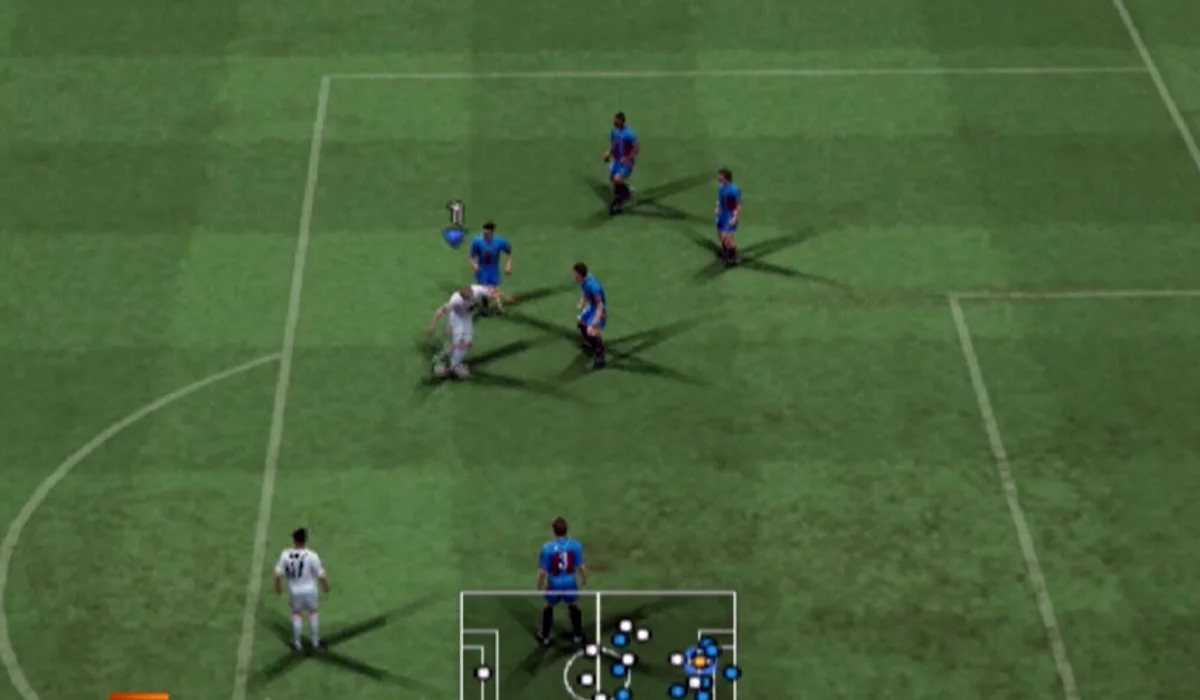
PES 6
Sports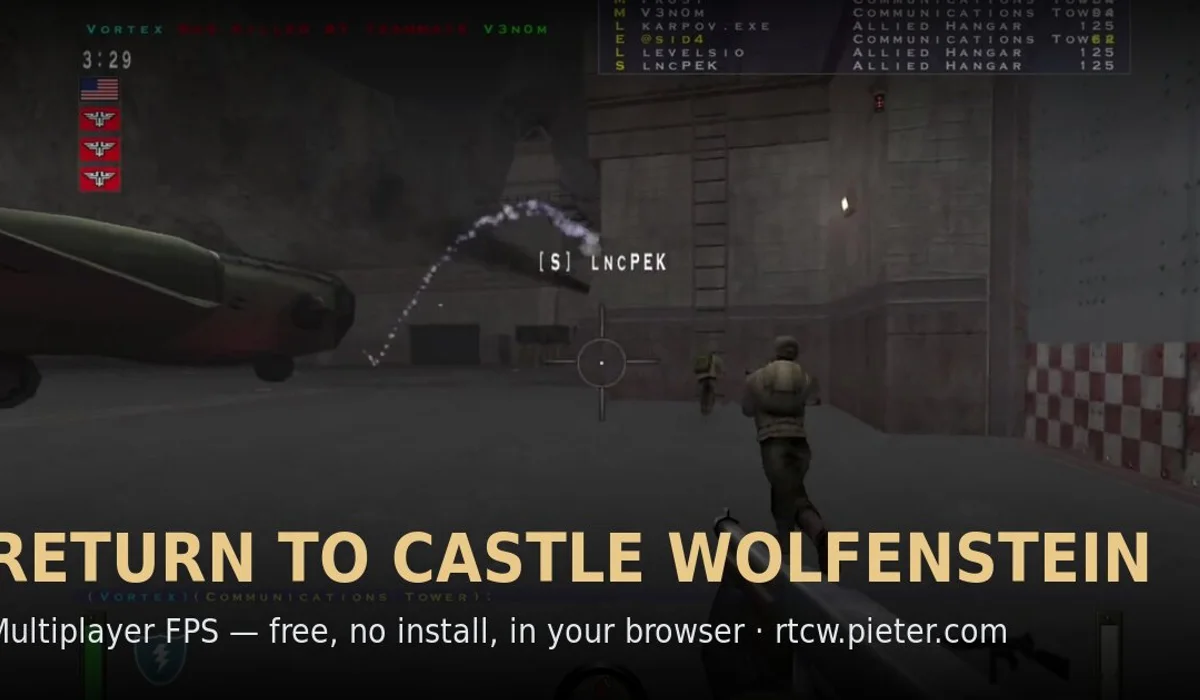
Return to Castle Wolfenstein
Shooters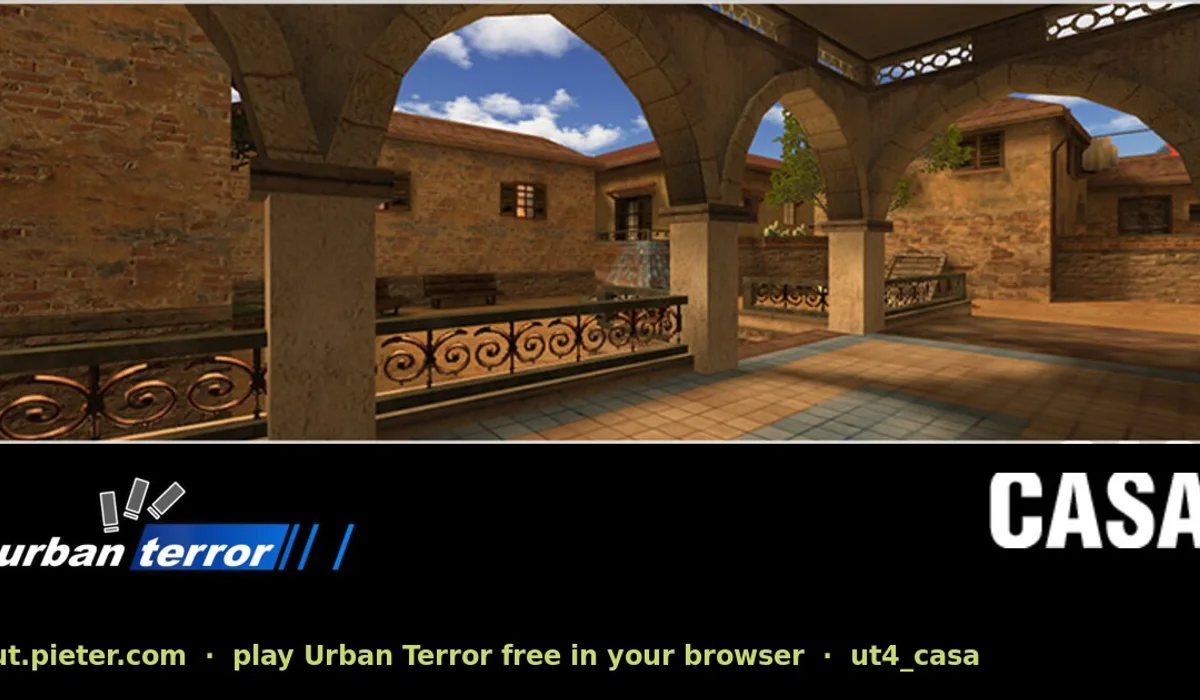
Urban Terror
ShootersDiablo Web project
RPG
2048
Puzzles
Azeroth Survivors
RPG
DOOM
Shooters
Fruit Merge
Puzzles
LEGO Island
Adventure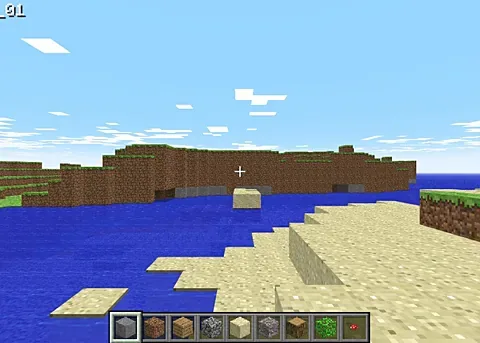
Minecraft Classic
Sandbox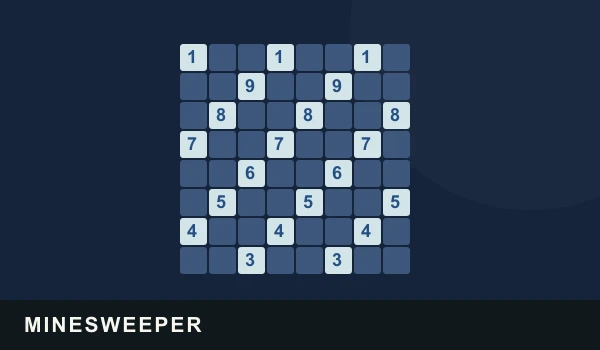
Minesweeper
Puzzles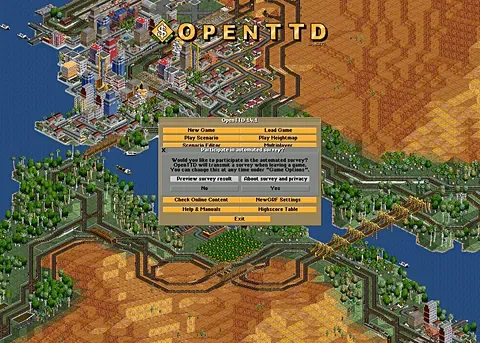
OpenTTD
Strategy
Prince of Persia (1989)
Platformers
Snake
Action
Sudoku
Puzzles
SUTOM
Puzzles
Zombs Royale
Multiplayer
Black Ops 1 Zombies
Zombies
GTA III
Sandbox
GTA: Vice City (WASM Arcade)
Sandbox
Minecraft 1.8.8 (Eaglercraft)
Sandbox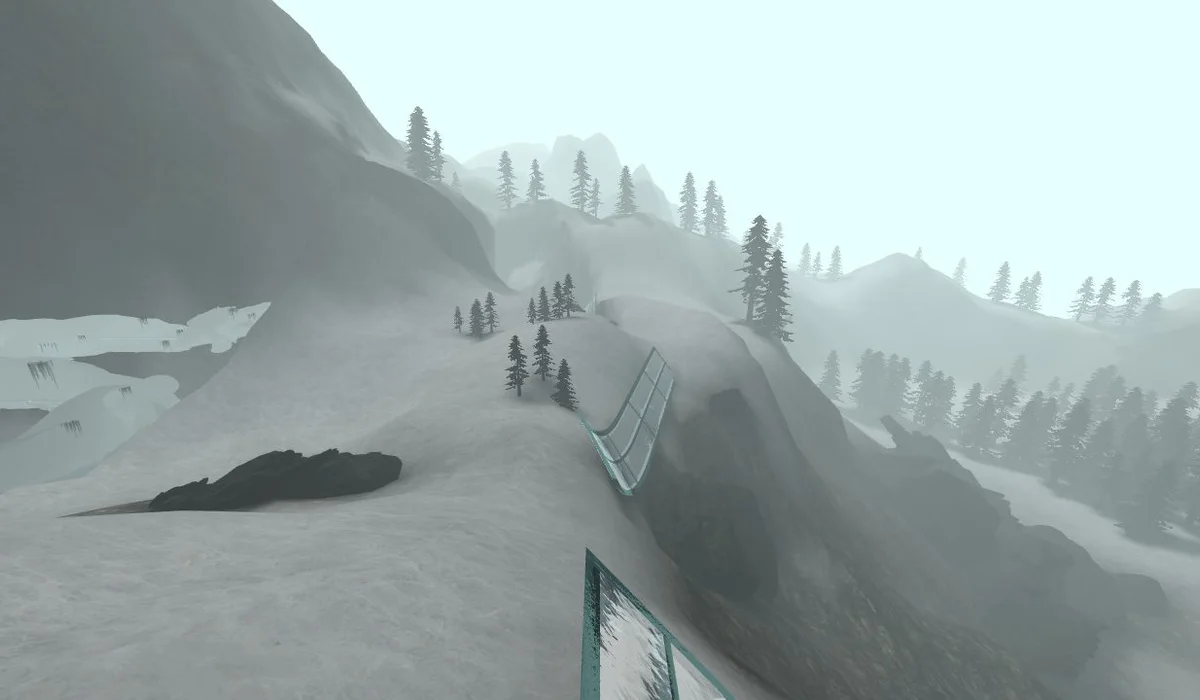
CS Surf
Movement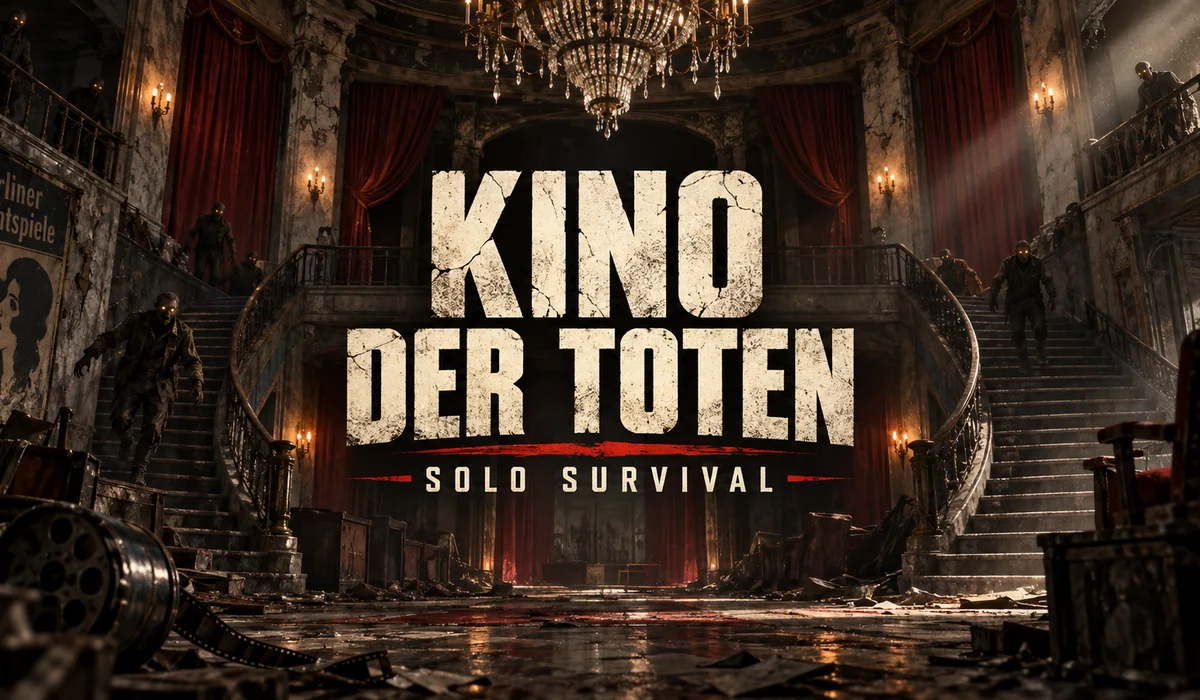
Kino der Toten
Zombies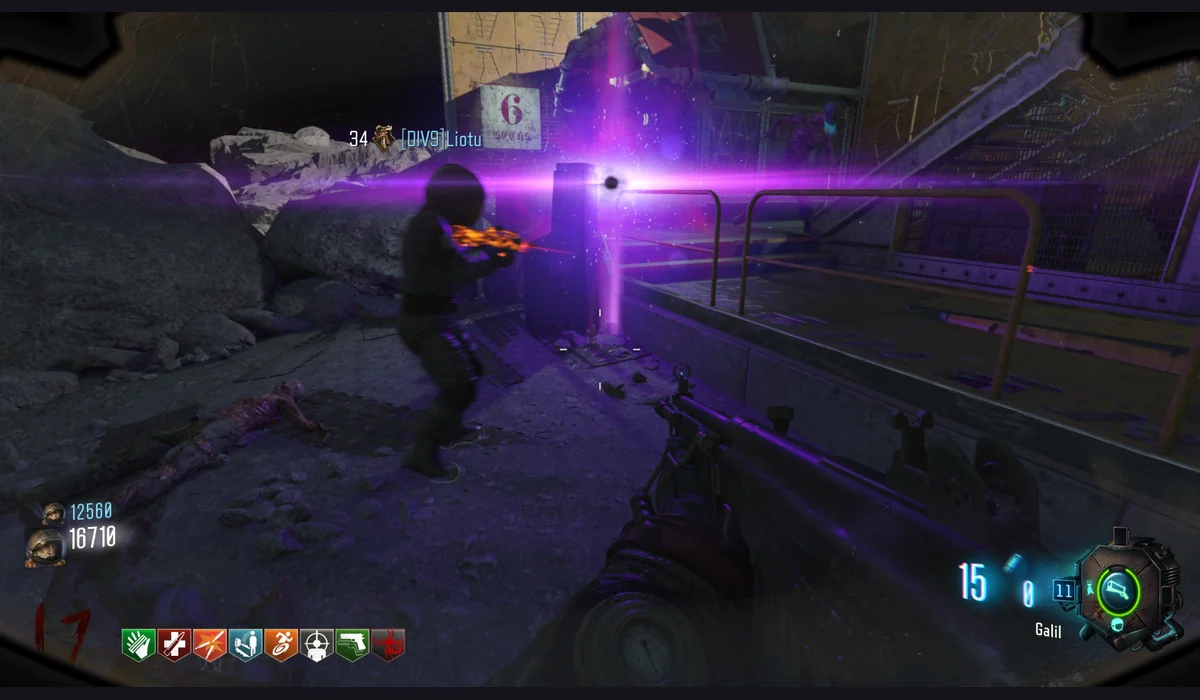
Moon (Zombies)
Zombies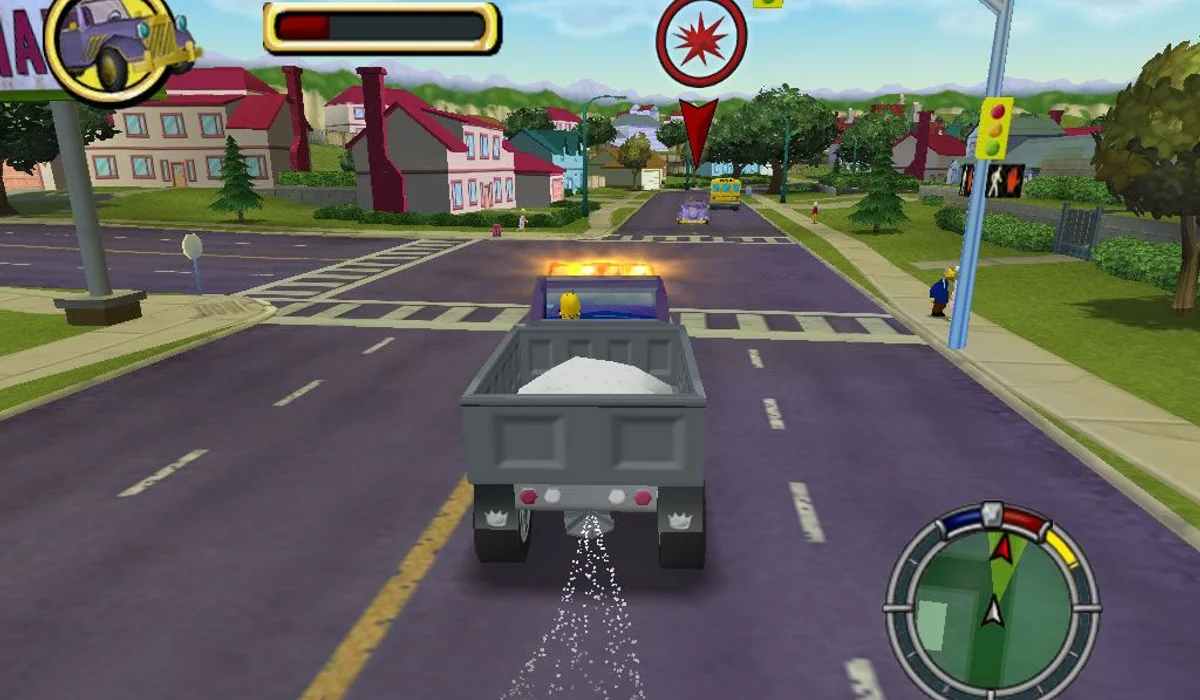
The Simpsons: Hit & Run
Sandbox
WASM Arcade (more GTA and Minecraft)
Sandbox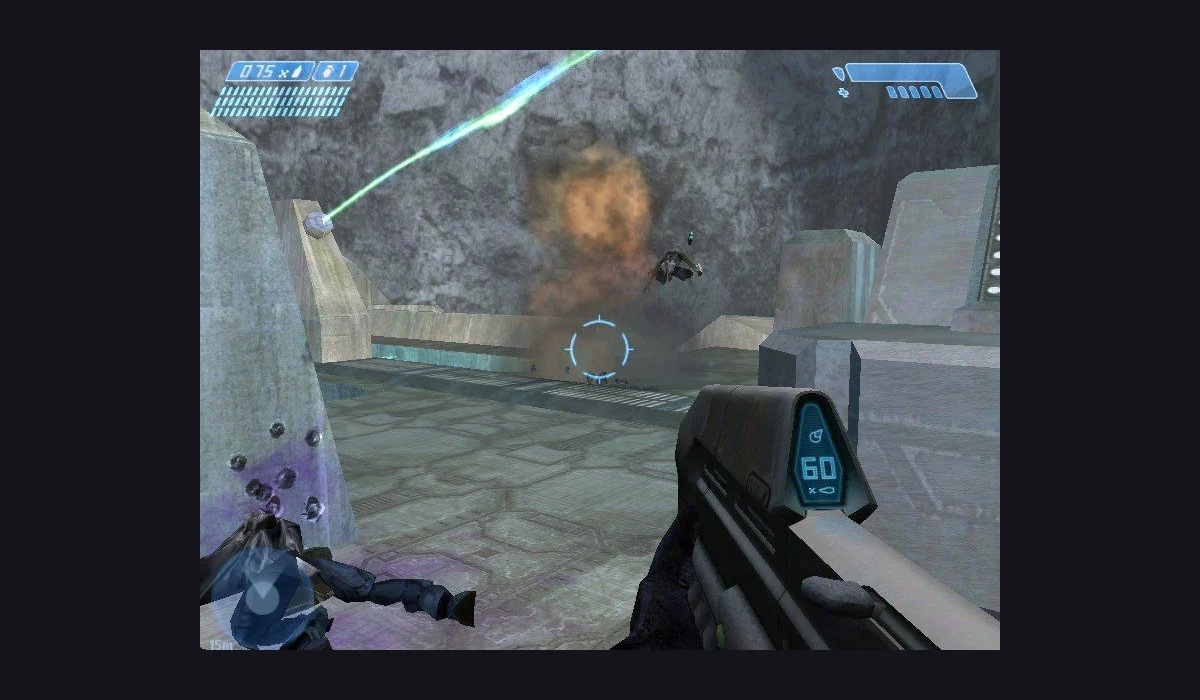
Halo: Combat Evolved
Shooters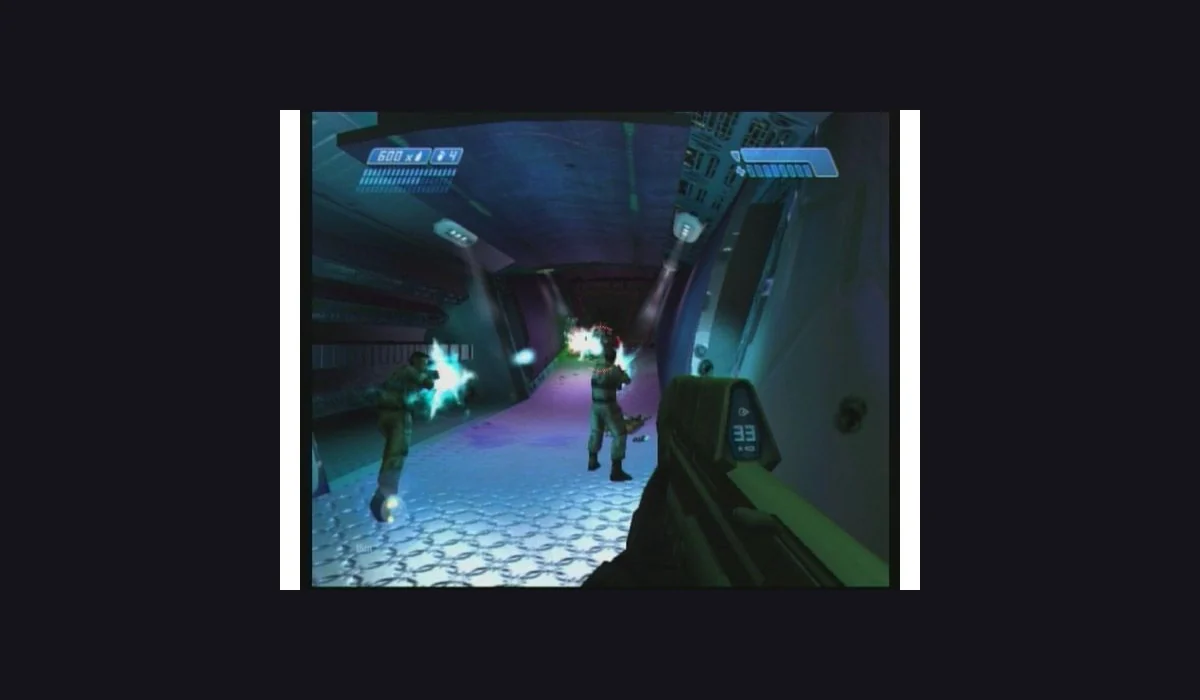
Halo CE Mobile
ShootersGTA: Vice City
Sandbox
Half-Life Web (owned files)
ShootersSkate 3 converted-data port
Sports
Cookie Clicker
Strategy
Infinite Craft
Sandbox
Shell Shockers
Shooters
Slow Roads
Driving
Wolfenstein 3D
Shooters
Skate Rust
SportsAccount required
Agar.io
MultiplayerConnection issue
Krunker
ShootersConnection issue
Slither.io
MultiplayerConnection issueNo games match. Try another filter.
Radiant Optimizer Games: the Zombies, Halo and Skate projects
Looking for the Radiant Optimizer Games list usually starts with a particular PC or console game. BO1 Zombies, Kino der Toten and Moon have separate project entries. Halo CE and Halo CE Mobile are different routes; a compatible Xbox XISO from your own game may be required. Skate 3 clean-room is also separate from the converted-data port and Skate Rust. Playable classics lead the list; Zombies, Halo and Skate remain available alongside the wider catalogue.
Quake, Half-Life, Diablo and DOOM in your browser
QuakeWorld is a live multiplayer arena, rather than a promise of the original solo Quake campaign. Half-Life Uplink is a standalone demo with a demo selector before its game menu. Diablo Shareware offers a different starting route from selecting a full-game MPQ archive. DOOM exposes solo and multiplayer choices through its own launcher. Pick the experience you want, then follow that project’s current menu.
GTA and Minecraft: choose the project, not just the name
GTA III and Vice City have separate browser projects, and their file requirements can differ. A Vice City import asking for game.tar.gz is not the same route as another hosted port. Minecraft Classic and Minecraft 1.8.8 Eaglercraft are distinct editions too. The WASM Arcade page keeps relevant GTA and Minecraft routes together; game pages and project sources explain the version without claiming that every title is an instant, complete commercial release.
Browser games for the break you have
Build a better corner in 2048, take a quiet drive in Slow Roads, or try a survival run in Azeroth Survivors. This collection brings together 42 games and browser projects. The genre and device filters make it easier to find a match without reading a long list of launch instructions.
A good next game is part of the page
Every game leads to another set of pictures to explore. The heart keeps a link on this device, without an account. Bookmarks are separate from game saves: use the game’s own saving tools before switching browsers. Some PC projects ask for compatible files from a copy you own.
PLAY DESK QUESTIONS
Before opening a player
Can I start without a RadiantGames account?
Yes. The players, symptom guides and local shelf are available without a RadiantGames login. An original project may have its own session or server requirements.
What do I need to play these browser games?
Use a current browser and a stable connection for the first download. Many classic PC projects need a keyboard and mouse; 2048 also supports swipes. A browser game can still depend on its own assets, server and graphics support. Follow the notes on each game page.
Does fullscreen restart the game?
The fullscreen icon enlarges the same game window. Restoring the page keeps that iframe open; Restart and Close are separate actions in the three-dot menu.
Is my character saved when I save a player?
No. Saving a player records a page link. Use the original game project’s own save and export flow for character progress.
YOUR NEXT SESSION
Less hunting, more playing.
Pick the launch route before the title
Skate clean-room, QuakeWorld, Uplink, Diablo shareware, DOOM, Quake II, Quake III, Azeroth Survivors, 2048, SUTOM and PrinceJS have players here. Projects that need their original site open in a new tab, so this catalogue remains available for your next choice. A separate tab can be the better route for a game that manages its own full-window controls, storage or graphics setup.
Plan around the first menu
For a Zombies session, BO1, Kino and Moon have separate links. Minecraft Classic is a keyboard-based building project, while Eaglercraft is a different version. Skate clean-room, Skate Rust and the converted-data Skate project are distinct builds. Match the version with your device and files before you launch.
Keep a useful next choice
Save any project to your local shelf. Your saved links help you find the same route again, but do not back up game progress. Use the multiplayer filter for a shared session, or choose puzzles, platformers or driving for a change of pace. The genre and device filters work together with search.
When a project cannot start
Read the host’s current entry and file requirements. Browser access, live servers and first-load downloads belong to that project. The independent RadiantGames version directory provides longer comparisons; this App keeps the launch choice and your saved routes close.
Game guide: Slow Roads · Cookie Clicker