


Use the desktop Halo project
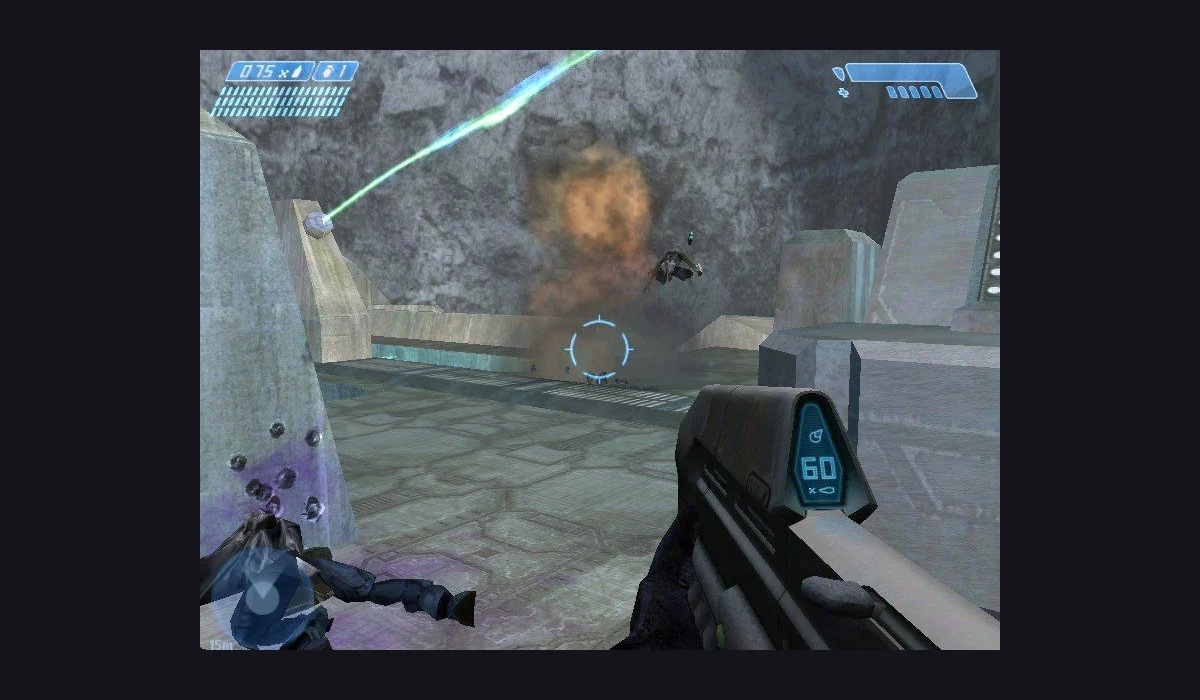
This entry opens Mitchell Hynes’s Halo: Combat Evolved browser project. It is a community project with its own launcher and input mapping. The name distinguishes this desktop route from HCEMobile; importing data into one host does not prepare the other.
Bring the compatible image
The desktop launcher requests an Xbox XISO from your own copy of Halo CE. Prepare that before opening a session, and read the current file chooser instructions. RadiantGames supplies the project link and version notes, not a disc image or campaign download.
Set input before starting
Use a desktop keyboard and mouse, click the game to capture input and check the project’s current control mapping. For phone-oriented touch layouts and home-screen setup, compare Halo CE Mobile below. Fullscreen, imports and saved-game handling take place on the selected project’s own origin.