




Start from HCEMobile’s welcome screen
HCEMobile offers Continue in the browser as well as home-screen installation instructions. Installation is optional for reaching its browser interface. The project describes touch and controller options, but device support still depends on the current browser, memory and graphics capabilities.
Prepare your own Xbox image
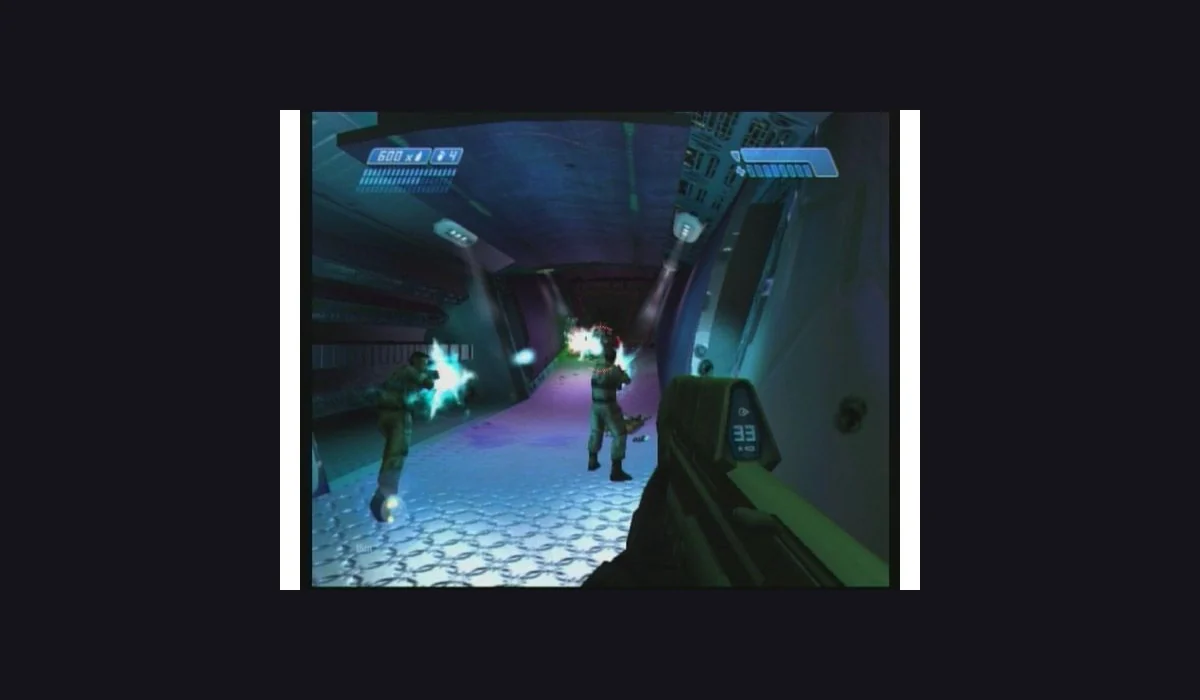
The host asks for a verified Halo: Combat Evolved Xbox .iso or .xiso. Its documentation says it copies the maps into private browser storage, which can take up to 1.8 GB. A direct-file URL and a normal sharing page are different inputs; follow the host’s current import guidance.
Keep your game data separate from favourites
Adding this link to RadiantGames does not back up the imported maps or saves. Return with the same browser profile and export saves using the project’s own tools before clearing its storage. The desktop Halo launcher is a separate route with its own file preparation.