

Start with the named WASM project
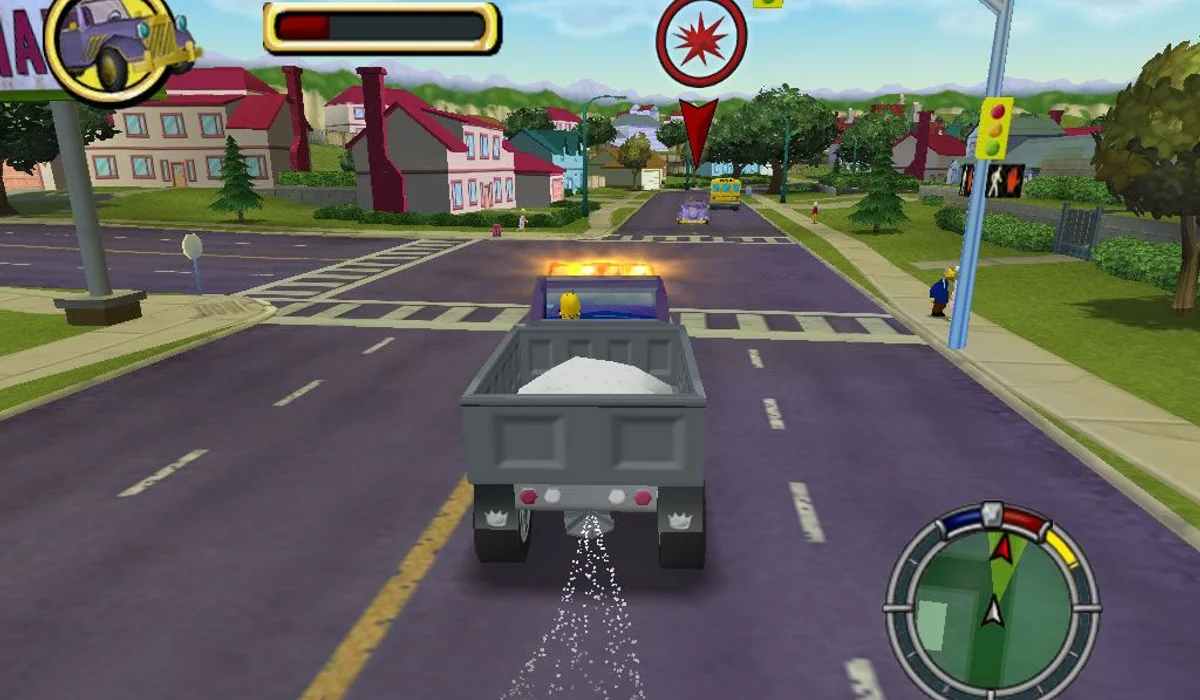
The linked cjoseph.workers.dev host identifies its page as The Simpsons: Hit & Run – WASM and exposes Play. It is a separate community browser project. The catalogue name identifies the intended title; it does not establish that every mission or device works in the web build.
Wait for the first load
Open the launch picture, use Play on the host and keep its tab active while assets load. Avoid repeatedly restarting a download that is still progressing. If the project stops at a loading screen, return to this guide and choose another game instead of treating a visible menu as a completed launch.
Check controls in the loaded game
A desktop keyboard and mouse are the listed setup. Read the game’s current bindings for on-foot and driving controls, since those are separate activities. Any progress belongs to the project’s storage; a RadiantGames favourite does not copy it. No commercial game files are hosted by this guide.