

The classic 3D entry
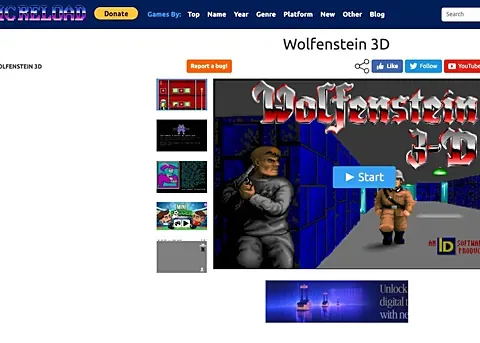
This page links ClassicReload’s Wolfenstein 3D entry. It is different from Return to Castle Wolfenstein, which appears elsewhere in this catalogue. Matching the exact title matters: the older corridor shooter and the later RTCW arena do not have the same levels, controls or launch process.
Start and give the game focus
Use the host’s start control, wait for its runtime to prepare and click the game area before pressing keys. ClassicReload’s page documents configurable keyboard controls in the main menu. Read that menu if movement or firing does not match your expectations.
Enlarge the original game window
The host documents right-side Alt+Enter for entering and leaving fullscreen. Browser and operating-system shortcuts can interact with that key combination, so use the project’s visible controls when needed. Saves and runtime settings remain with the host; this guide stores neither a DOS session nor a game installation.