


Choose your Zombies session
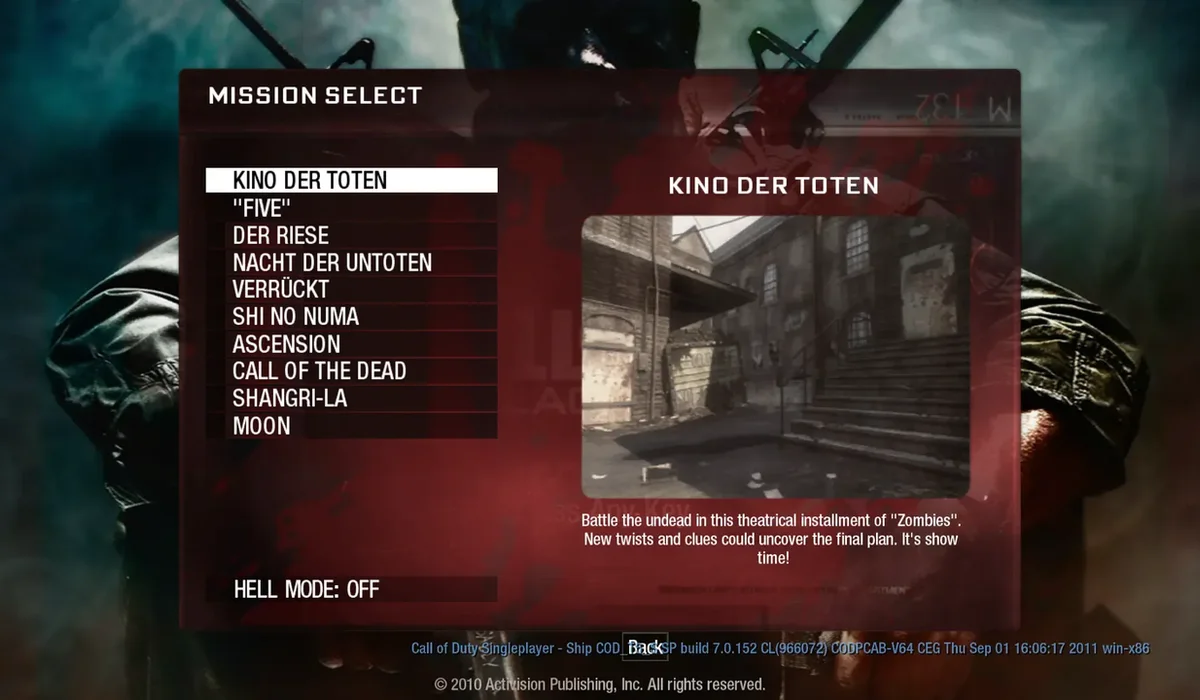
This entry opens vel.gg’s Black Ops Zombies launcher. Start here when you want to choose a map rather than commit to the separate Kino der Toten or Moon address. Follow the host’s current mode and map menu; a link to the launcher is not a promise that every map or multiplayer mode is available.
Before the first round
Use a desktop keyboard and mouse. Let the map download finish before pressing Retry: replacing a loading tab starts another attempt and can discard useful progress. Once the scene appears, click it to give the game keyboard and mouse focus. Use the host’s Options menu for sensitivity and audio.
Keep a route for your next visit
Save this page with its heart to find the same launch route later. A RadiantGames favourite stores the address, not a Zombies run or an account on vel.gg. If you already know your map, choose Kino der Toten or Moon from the edition links below instead of repeating the launcher selection.