


Start from the lobby, then choose a match
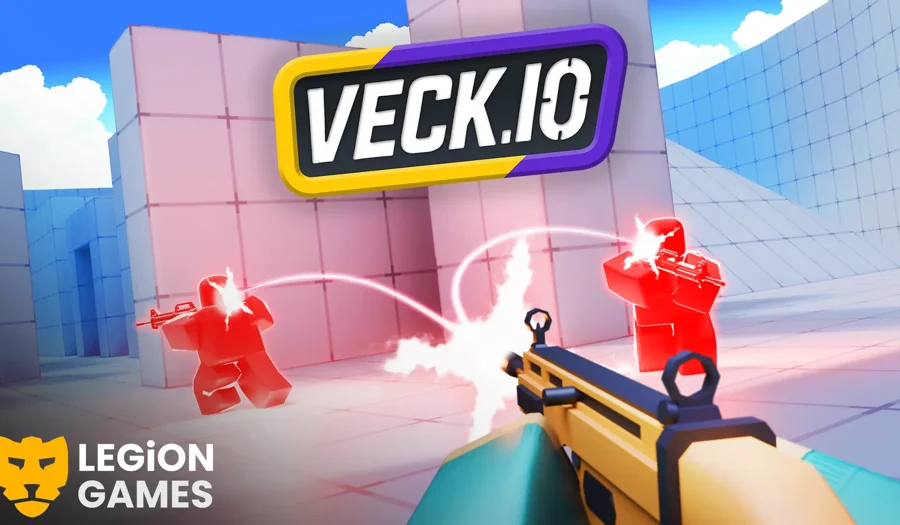
Veck.io opens in a 3D multiplayer lobby. The Play control and available match entries are part of the game itself, so the scene can be moving before you have joined a round. Give the initial download time to finish, inspect the current mode and use the game’s own Play or Join control when ready. A visible lobby is a useful loading checkpoint; it is not evidence that a match has connected.
Movement, aiming and the first few rounds
Use a computer with a keyboard and mouse for the clearest first session. Review the current bindings in the game before joining. Practise turning towards a fixed point, moving around cover and stopping in a position from which you can see an exit. Once those actions feel predictable, add firing and mode objectives. Changing every sensitivity setting after one missed shot makes it harder to learn which adjustment helped.
Pick a mode and follow its objective
The reviewed lobby included Team Deathmatch entries. Read the selected match’s own rules rather than assuming every playlist uses the same teams, timer or scoring. Stay near a route you recognise for the first round, use cover when looking towards a busy lane and check what happens on respawn. A short, repeatable route is easier to improve than chasing every opponent across an unfamiliar map.
Loading, advertisements and the original project
The original site may display advertisements around its lobby. Advertising and matchmaking belong to the publisher and can change between visits. If loading stops or a page element covers the controls, compare the original site in another tab while keeping this list available. Repeatedly replacing the game window restarts its loading work; it does not diagnose a server or browser-graphics problem.
Phone screens and your next game
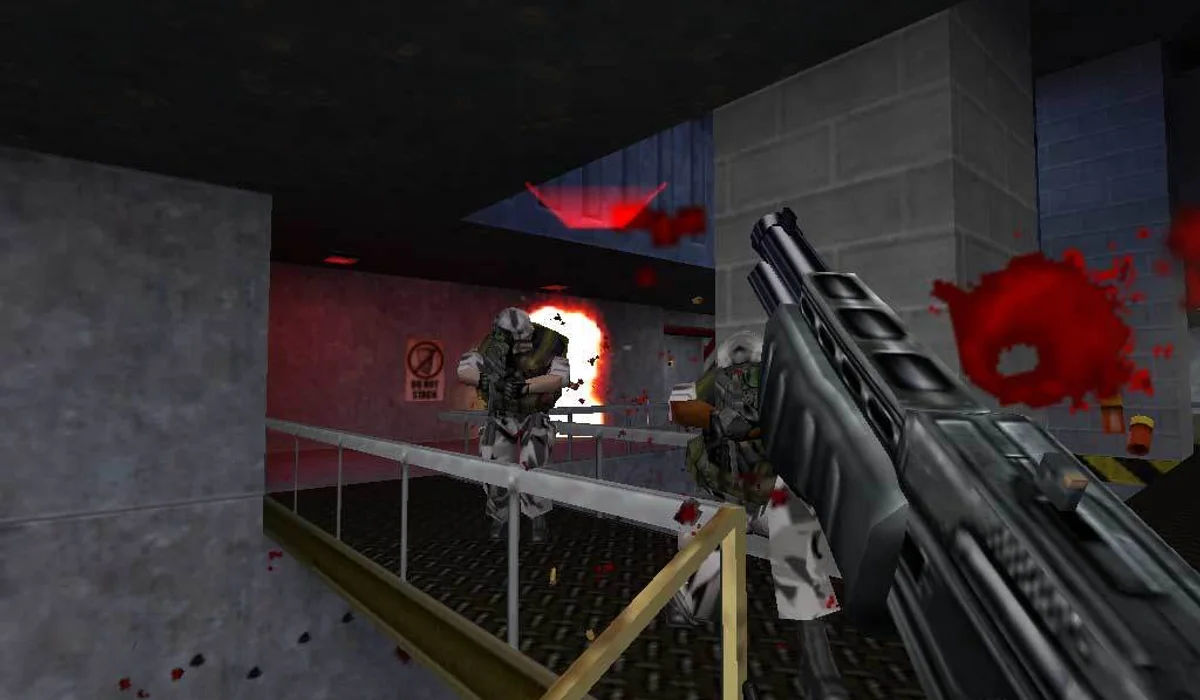
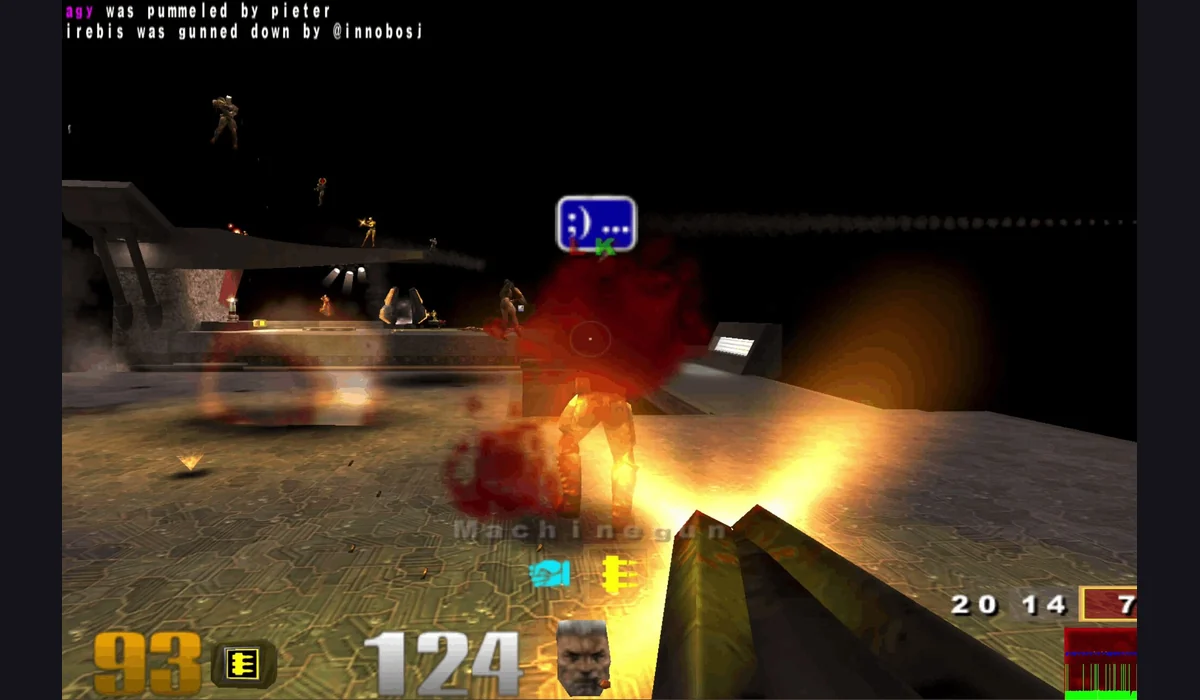
A narrow page is not the same as a touch-ready FPS. The reviewed phone portrait view leaves little room for the lobby and its controls, so keyboard and mouse remain the recommendation here. On a phone, try a landscape view and follow the input options actually offered by the game. For a different pace, the related pictures lead to verified browser players and lighter touch games, without changing this game’s controls.
Game source: veck.io. Independently written guide, checked 20 October 2026. Games belong to their creators.