

Open Moon rather than the map chooser
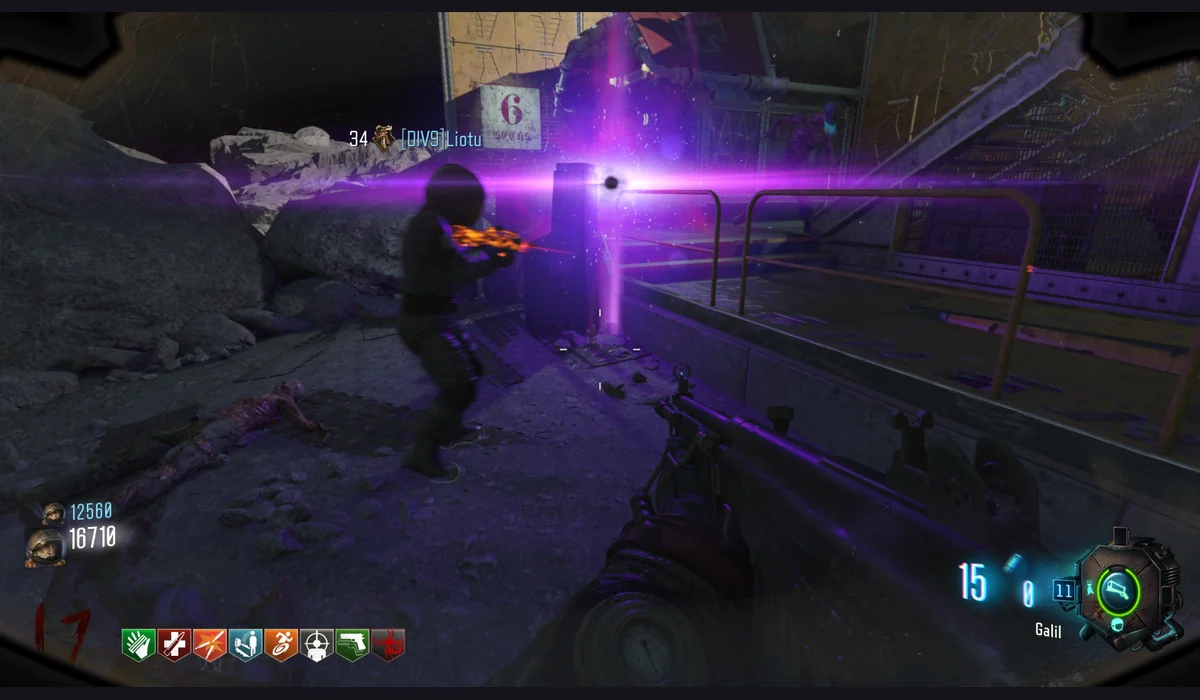
This page leads to vel.gg/moon, the separate Moon entry in the Zombies catalogue. Choose it when your intended session is Moon. The general Black Ops Zombies launcher and the Kino route remain separate choices, so saving one does not change where the other opens.
Read the loading screen first
The host exposes a loading status, Try again, Options and fullscreen. Keep the tab open while the map is being prepared. A rendered loading menu confirms the project opened; it does not confirm the scene or an entire run has finished loading.
Set up a comfortable view
Use a keyboard and mouse on a computer. After the scene loads, click it to focus input and set sensitivity and master volume in Options. The fullscreen action belongs to the project tab. If a phone cannot provide the required input, the recommendations here include lighter games that run inside RadiantGames.