

Start on the original Slow Roads site
Use the button above to open slowroads.io. It gives the game its own tab for the driving view, graphics settings and current control prompts. The browser project is distinct from the separate Steam edition; check which version you opened before comparing features.
Let the scene finish loading, then read the current driving controls. Begin with the defaults before changing several settings at once. If the view is slow, close unused game tabs and adjust only settings the game itself offers.
Make the drive your own
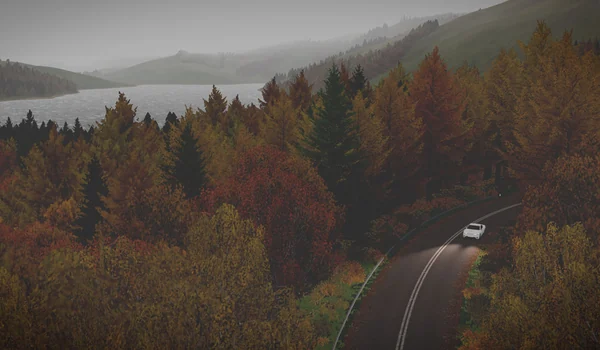
Slow Roads suits a session where the route is the activity. Leave yourself a moment to get comfortable with steering and the camera before trying to drive quickly. Use the game’s own display options if you want a different viewpoint or less demanding graphics.
A phone layout and desktop controls are different things. Check the actual controls offered by your device rather than assuming that a narrow page adds touch support.
Keep this list for the next break
Save Slow Roads to your local RadiantGames shelf to find the same destination again. The bookmark does not preserve a car, route or game state. Any progress, settings or storage remain with slowroads.io.
For a quieter puzzle after driving, try 2048. For a different kind of session, the recommendations above also include classic shooters and survival games. Each card identifies whether it opens a player here or a separate project.
Game source: slowroads.io