One fullscreen icon below the game
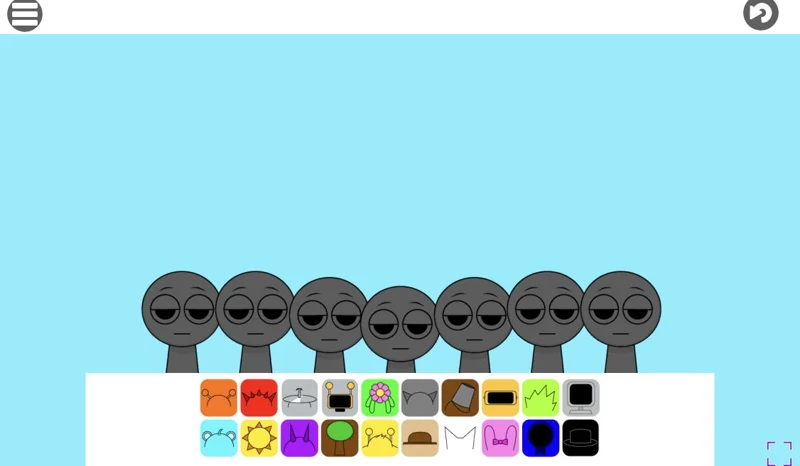
The four-arrow icon sits below the game, on the right. Clicking it asks the browser for fullscreen. The same iframe remains open: enlarging does not download the project again or create a second session.
Return to the page
Use Escape or the exit-fullscreen icon to return to the normal layout. If the browser does not allow native fullscreen, the player can still fill the tab. The exit icon remains available in that view. A larger window changes neither the game edition nor its controls.
Open help only when you need it
Open the help panel below the player for loading and control guidance; it keeps the current game window. The Game source link below the guide opens the original project in a separate tab. Reloading the page replaces the player, so use the game’s own saving options first.
Mouse capture and fullscreen are separate
A large scene can still lack keyboard focus. Click inside the game and follow its mouse-capture prompt. If the original project works better in its own tab, open its source from the menu. That tab is a separate attempt; it does not transfer unsaved progress.