
Start Underground 2 Revived on the original site
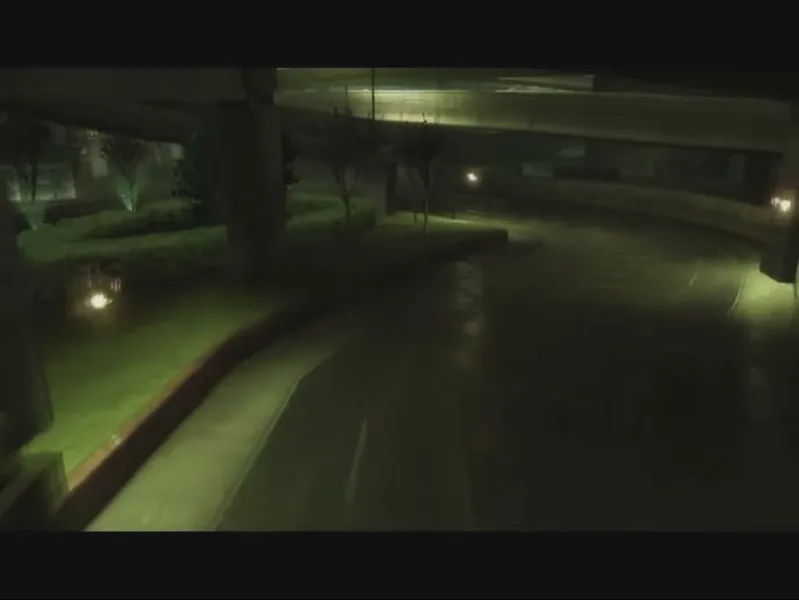
The browser project is called Underground 2 Revived and is hosted at nfsu2.xyz. It is a fan project, not an Electronic Arts release. Open the picture above, wait for the launcher to say Ready, then use Play. Our desktop Chrome check reached the original title screen after the opening movie. That verifies the opening route, not every race, graphics device or online lobby.
WebGPU, loading and a black screen
The project uses WebGPU and Web Audio. A browser that supports the API still needs a usable graphics adapter and the site’s current requirements. The first launcher download in our check was about 36 MB; game data then streams as needed. A black transition after Play is not proof of a frozen game: the opening movie and title screen can take more time. If a clear graphics error appears, follow the original project’s advice rather than repeatedly restarting the download.
Keyboard controls to know before driving
Arrow keys or W, S, A and D steer, accelerate, brake and reverse. Alt uses nitrous, Space is the handbrake, and Shift and Ctrl change gears in manual transmission. C changes camera and R respawns the car. In menus, use arrows and Enter, with Esc to return. The game’s Options → Controls screen is the reference if bindings change. These controls belong to this port; another browser version can use different mappings.
Fullscreen and phone display
F9 opens the port’s own menu, which includes Full screen and Back to the game. Use those controls to change the view without launching a second copy. The original page also offers Full screen on Play and a resolution scale; it says phones default to 75% resolution. A phone-sized screen does not guarantee compatible WebGPU or a comfortable touch layout. Prefer landscape and check the whole control area before committing to a long session; physical-phone racing remains unverified in this review.
Language, subtitles and browser saves
The launcher provides sixteen language choices, including French, Spanish, Japanese and Traditional Chinese. Choose a language before starting and check the Movies and Subtitles settings separately. Saves belong to the original site and browser profile. Its Download backup and Restore controls are separate from RadiantGames favourites. Export a backup before clearing that site’s data. Restore can change progress, so read the original prompt and keep the old backup.
Streaming is different from preloading 1.7 GB
The original page offers an optional Preload the game data action labelled 1.7 GB. It is not necessary to press that simply to inspect the launcher. Consider bandwidth, storage and the original site’s current settings before choosing it. RadiantGames does not copy or proxy the commercial game files, and adds no large R2 bundle. Source code for a browser runtime does not by itself grant rights to redistribute an EA game.
Why this game opens in another tab
The original server sends frame-ancestors none and X-Frame-Options DENY, so an embedded copy of that page would be blocked. The picture opens its actual site in a new tab and keeps these controls and the next-game choices available here. If you return for a lighter session, the pictures below lead to games that can run inside RadiantGames. No account or cloud-save credentials are collected by this guide.